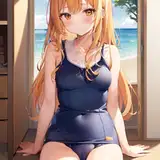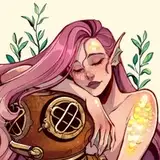
Wanted to share this too for all of you guys from the Sea Song tier! ✨💕
Done in procreate on the Ipad Pro. I'll edit a video soon!
Brushes I used:
-Dry Ink and Tinderbox brushes for almost everything: base colors, details, shadows, etc. Anything that has to be a solid color or fine details, it's done with those two
-Watercolor wash clean from the MaxPack from Max Ulichney. I use that one for big areas, like the bg, the water, the light sources. Everything that has to be big and smooth (like the light effects)
-Water brush (it's inside the folder Elements on procreate, comes with the program) - for the little reflections of water, it's a super cool brush!!
-Light pencil (inside the folder Luminance, also comes with the program) - for the little orange dots/sparks and for everything that needs this cool outer glow effect
- For final details in Photoshop, I used a particles brush to add noise and texture, I used one of the many I have on my Photoshop brush set (that I shared here some days ago!)
And that's it, those are all the brushes I used!
Gret